
Almanac
Keeps what you learn, by topic. Talk to a topic beside its page, and it keeps what’s worth keeping there, with its sources.
Web and desktop app · runs for a company or on one Mac
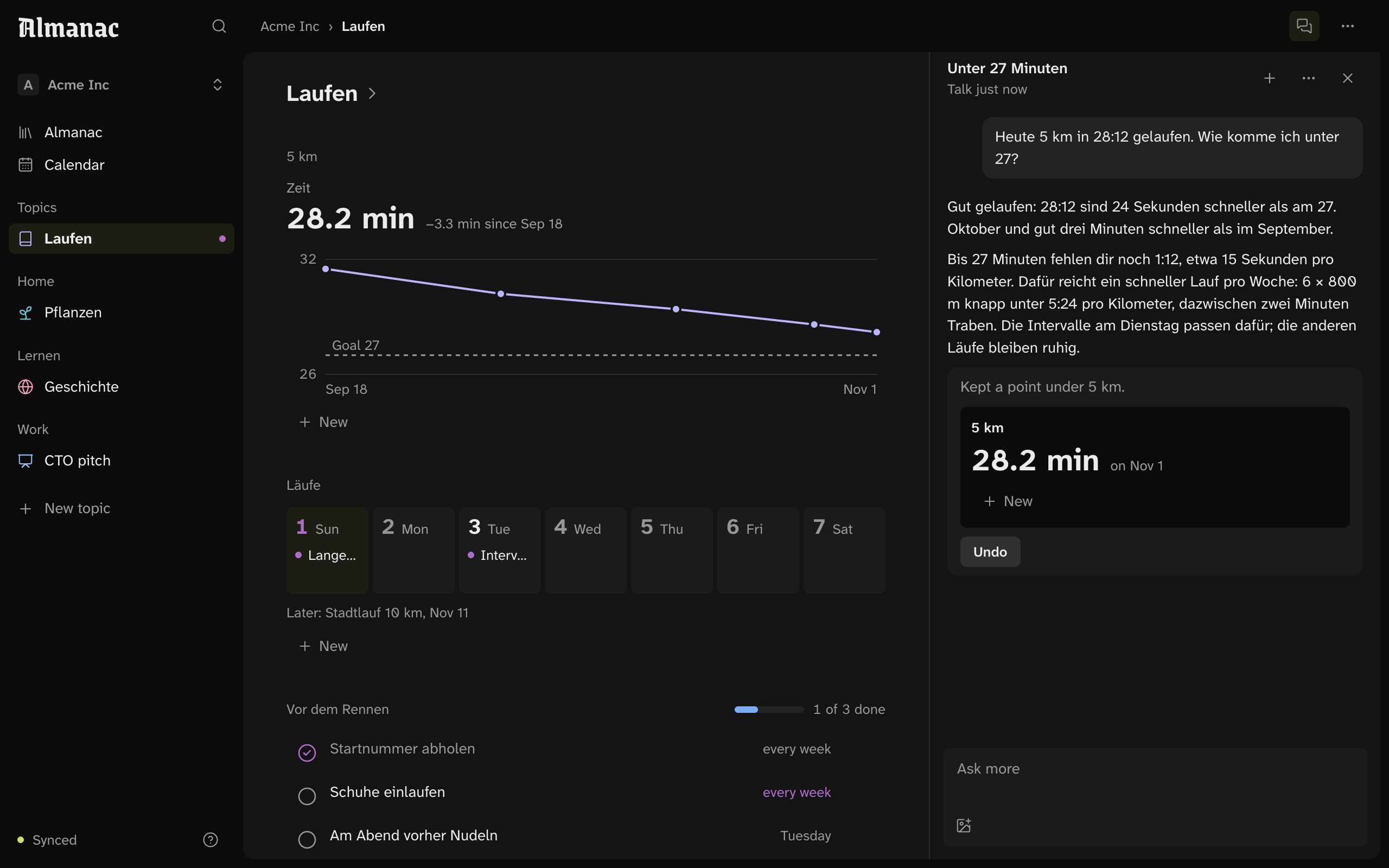
A topic is its blocks.
Headings, writing, callouts, lists, checklists, tables and pictures, on a grid that fills the window. Claude keeps each point in the block that holds it, and you can add one yourself.
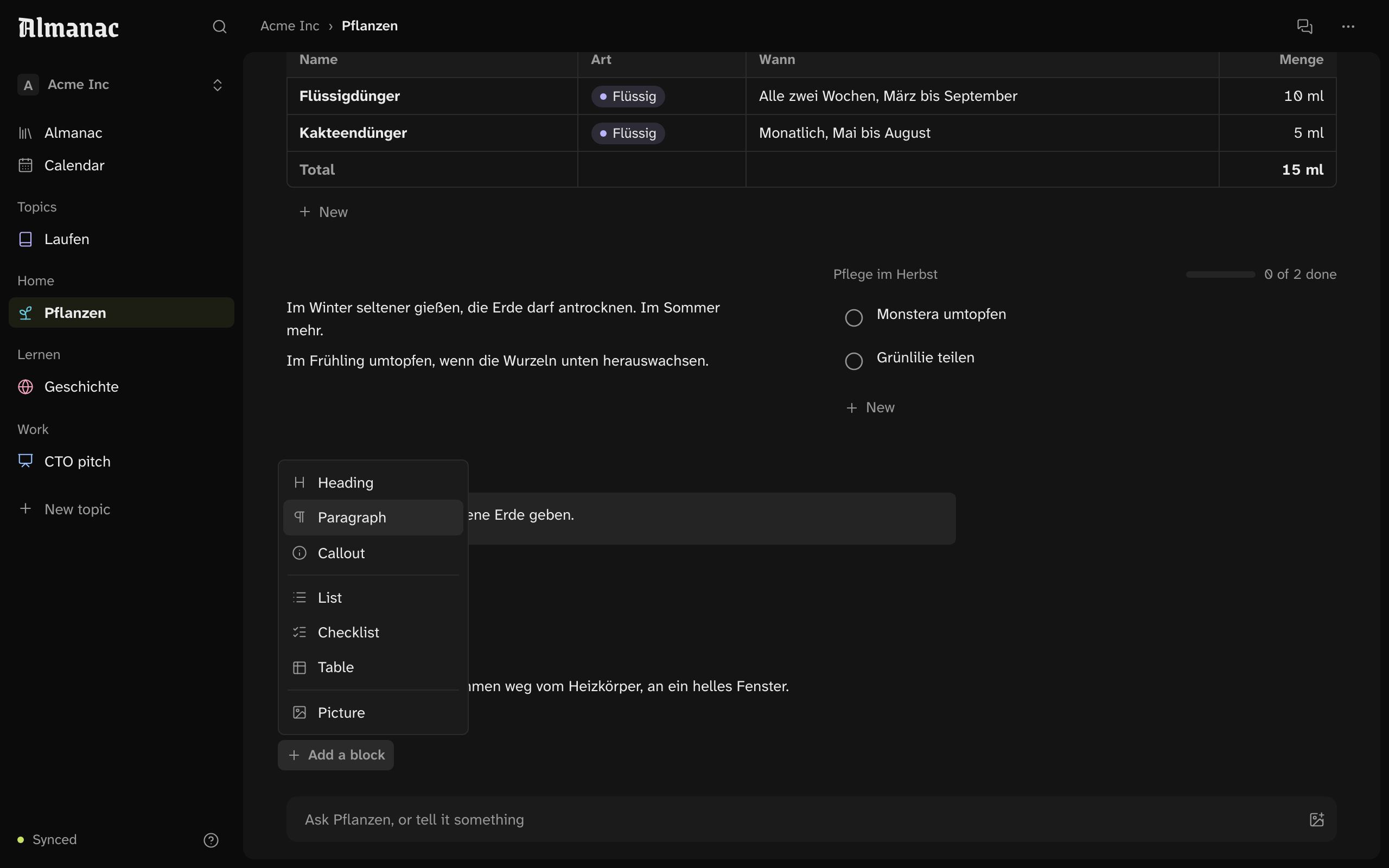
Write where it will read.
A click on a passage writes in it, and Return keeps it and starts the next. A block’s menu adds another right below it, moves it, or makes it half the page.
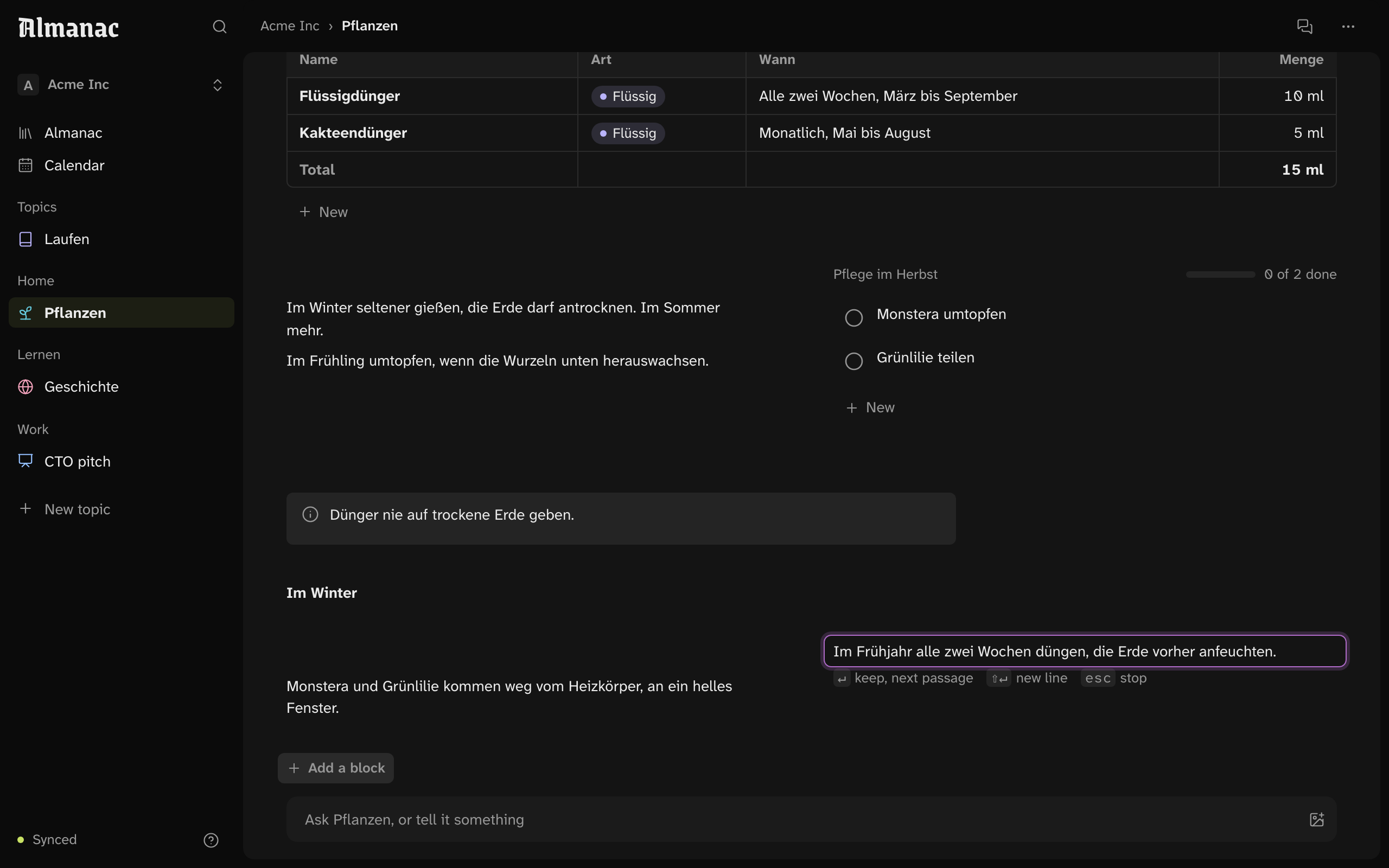
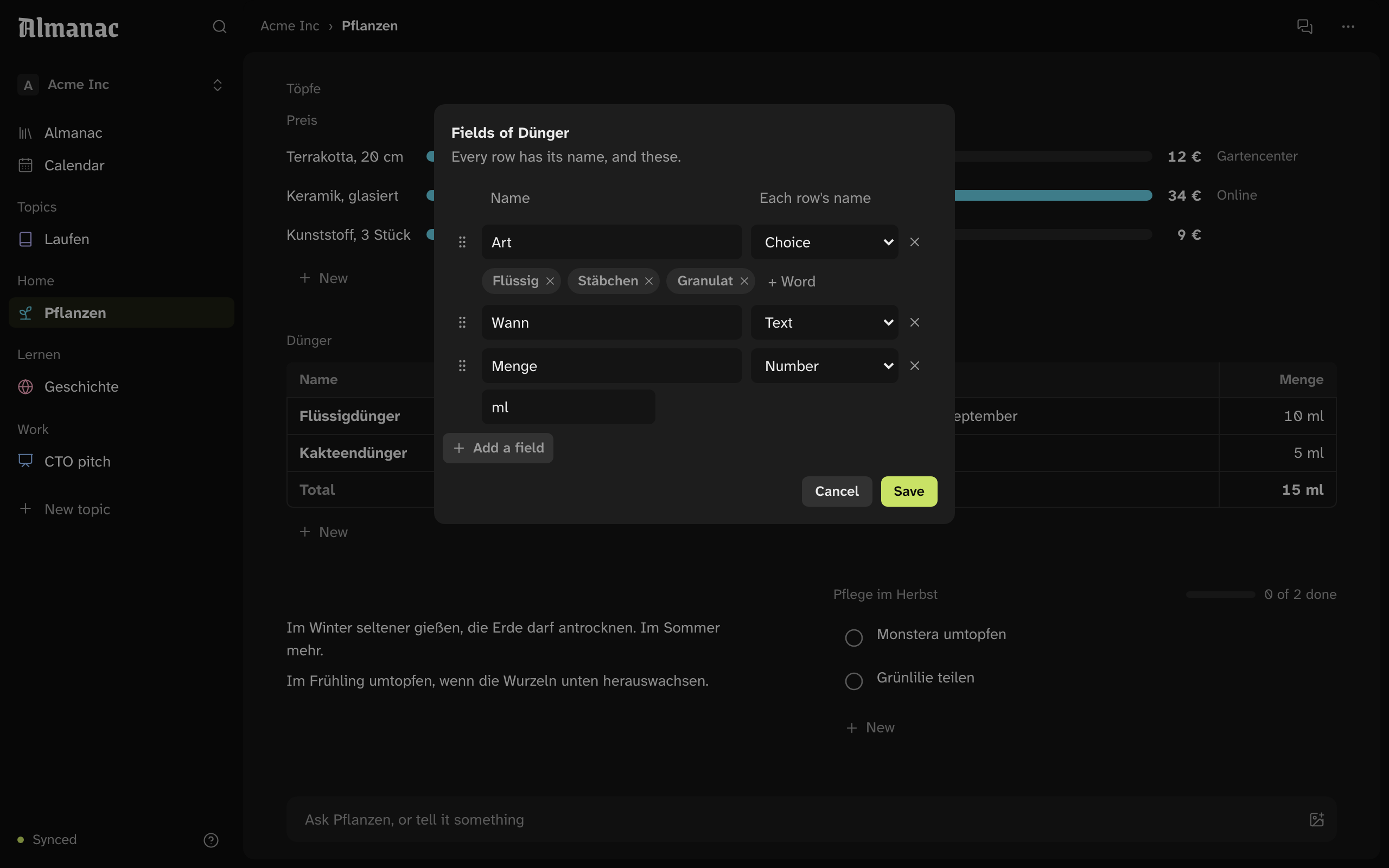
Fields pick the picture.
A collection’s fields have kinds: a choice, text, a number with its unit. They pick how it’s drawn: a table, bars, a checklist, a timeline or a week.
- Ask beside the page. A talk answers from what the topic sticks to and what its page keeps. What it changes on the page, it shows, with Undo.
- Claude Code, no key. On your Mac, Almanac answers with Claude Code as you’re signed in to it. Claude gets the topic, not your files or your shell.
- Reminders. When a talk settles something that comes round, Almanac offers a reminder. Calendar gathers them from every topic.